AI TL;DR
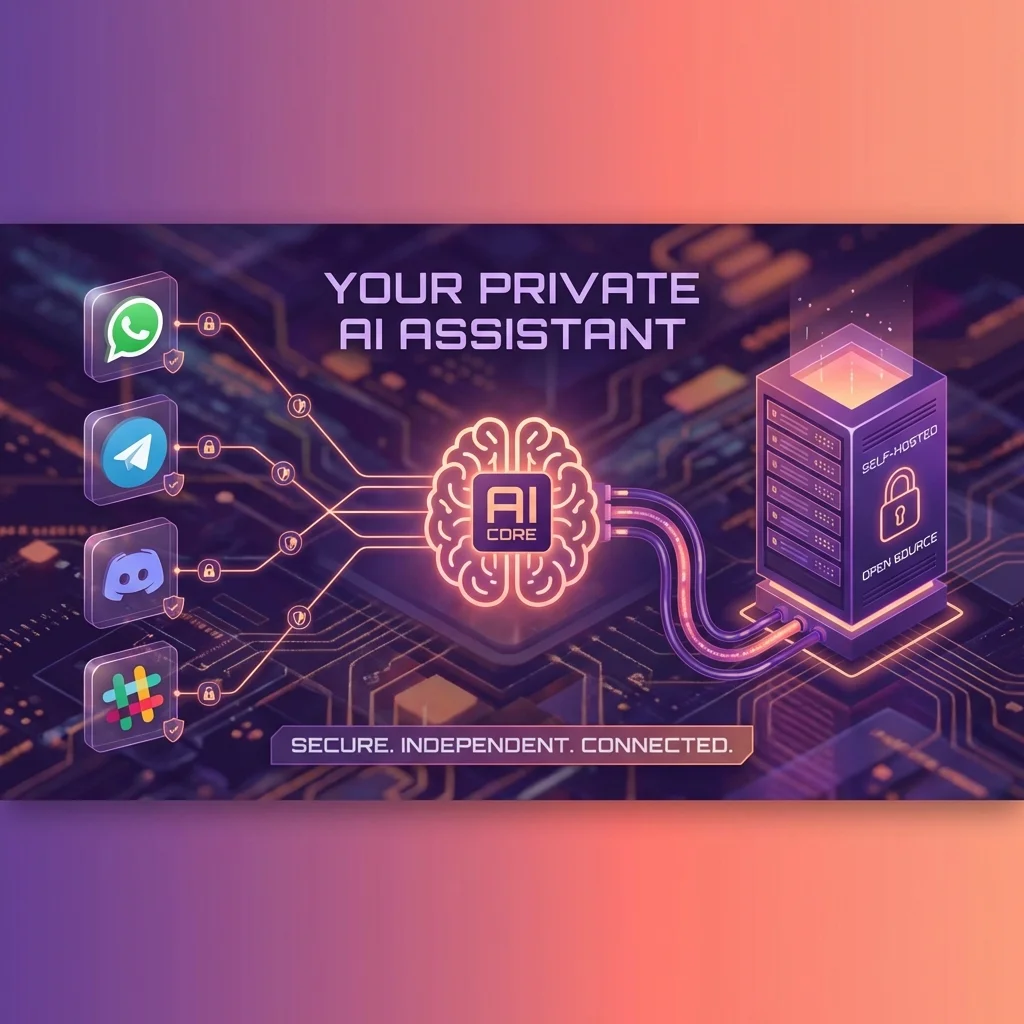
ClawdBot is a self-hosted AI assistant that works across WhatsApp, Telegram, Discord, and Slack. Complete guide to setup, skills, and automation. This article explores key trends in AI, offering actionable insights and prompts to enhance your workflow. Read on to master these new tools.
ClawdBot: The Open-Source AI Assistant That Runs Everywhere
What if you could have a personal AI assistant that:
- Lives in WhatsApp, Telegram, Discord, Slack, and iMessage
- Remembers every conversation across platforms
- Controls your smart home, calendar, and email
- Keeps all your data private on your own server
- Learns new skills just by asking
That's ClawdBot—the open-source, self-hosted AI assistant that's taking the developer community by storm.
Created by Peter Steinberger (founder of PSPDFKit/Nutrient), ClawdBot gained over 9,000 GitHub stars within weeks of its January 2026 launch. Here's everything you need to know to get started.
What Is ClawdBot?
ClawdBot is an AI Gateway—a self-hosted service that connects your favorite messaging apps to powerful language models like Claude Opus 4.5 and GPT-4.
Unlike cloud assistants that keep your data on corporate servers, ClawdBot:
- Runs on your hardware (laptop, Raspberry Pi, VPS)
- Stores conversations locally as Markdown files
- Never shares data except for API calls to your chosen model
- Gives you full control over customization
Think of it as having your own personal J.A.R.V.I.S.—but one that respects your privacy.
Key Features
Omni-Channel Messaging
ClawdBot integrates with all major messaging platforms:
| Platform | Status | Notes |
|---|---|---|
| Telegram | ✅ Full support | Best experience, recommended |
| ✅ Full support | Via WhatsApp Business API | |
| Discord | ✅ Full support | Bot integration |
| Slack | ✅ Full support | Workspace app |
| Signal | ✅ Full support | Privacy-focused |
| iMessage | ✅ Mac only | Requires macOS |
Message ClawdBot from any platform, and it maintains context across all of them.
Persistent Memory
Traditional AI chats reset with each session. ClawdBot remembers everything:
- Past conversations
- Your preferences and habits
- Ongoing projects and tasks
- Important dates and information
This persistent memory is stored as Markdown files on your server—readable, searchable, and exportable.
Proactive Assistance
ClawdBot doesn't just respond—it initiates:
- ☀️ Morning briefings with your calendar and tasks
- 📅 Calendar reminders before meetings
- 📧 Email digests summarizing important messages
- 🚨 Alerts for events you're tracking
Configure what you want to be reminded about, and ClawdBot handles the rest.
Full Computer Access
With proper permissions, ClawdBot can:
- Execute shell commands
- Read and write files
- Control web browsers
- Run automated scripts
- Manage smart home devices
This makes it far more powerful than typical chatbot assistants.
The Skills System
ClawdBot's power comes from its modular skills system—think of skills as apps controlled by natural language.
Built-in Skills
| Skill | Capabilities |
|---|---|
| Draft, send, triage inbox, unsubscribe | |
| Calendar | Manage events, suggest rescheduling |
| Research | Deep web research with full reports |
| Notes | Organize content into structured notes |
| Smart Home | Control Philips Hue, HomeKit devices |
| Health | Pull data from WHOOP, Apple Health |
| Code | Write, debug, execute scripts |
| CI/CD | Monitor pipelines, investigate errors |
Creating Custom Skills
The magical part: you can teach ClawdBot new skills through conversation.
Example:
You: "I want you to learn how to check my project's GitHub issues
     and summarize any new ones each morning"

ClawdBot: "I'll create a skill for that. I'll need:
          1. Your GitHub repo URL
          2. A personal access token
          Would you like me to set this up now?"
ClawdBot can write and load new skill scripts in real-time, expanding its own capabilities.
Installation Guide
Requirements
| Resource | Minimum | Recommended |
|---|---|---|
| RAM | 2 GB | 4 GB |
| CPU | 2 cores | 4 cores |
| Storage | 20 GB | 50 GB |
| OS | Ubuntu 20.04+, macOS, Windows (WSL) | Ubuntu 22.04 |
| Node.js | 22+ | Latest LTS |
Quick Start (Linux/macOS)
Step 1: Install ClawdBot
curl -fsSL https://clawd.bot/install.sh | bash
This script:
- Detects your operating system
- Installs Node.js if needed
- Installs ClawdBot globally
Step 2: Run the Setup Wizard
clawdbot setup
The interactive wizard guides you through:
-
AI Model Selection
- Anthropic Claude (recommended)
- OpenAI GPT-4
- MiniMax M2.1
- Custom endpoints
-
API Key Configuration
- Paste your API key from Anthropic/OpenAI
-
Messaging Platform Setup
- Create bot tokens for Telegram/Discord
- Configure WhatsApp Business
- Connect Slack workspace
-
Identity Configuration
- What to call yourself
- What to call the bot
- Timezone settings
- Bot role (assistant, ops, research)
Step 3: Verify Installation
clawdbot health
clawdbot gateway status
Step 4: Start Messaging
Open your configured messaging app and start chatting!
macOS App Installation
For Mac users, there's also a native app:
- Download ClawdBot.app from the official site
- Launch the app
- Complete the onboarding checklist
- Your AI assistant is ready
Cloud Deployment (AWS/DigitalOcean)
For 24/7 availability, deploy to a cloud server:
AWS Free Tier:
# Launch Ubuntu EC2 instance
# SSH into the instance
ssh -i your-key.pem ubuntu@your-instance-ip

# Install ClawdBot
curl -fsSL https://clawd.bot/install.sh | bash
clawdbot setup
DigitalOcean:
# Create $5/month Droplet with Ubuntu
# SSH in and install
curl -fsSL https://clawd.bot/install.sh | bash
clawdbot setup
Configuration Deep Dive
Model Selection
ClawdBot supports multiple AI backends:
| Model | Best For | Cost |
|---|---|---|
| Claude Opus 4.5 | Complex reasoning, coding | $15/M input, $75/M output |
| Claude Sonnet 4 | Balanced performance | $3/M input, $15/M output |
| GPT-4o | General use | $5/M input, $15/M output |
| Local (Ollama) | Privacy, no API costs | Free (hardware) |
Peter Steinberger recommends Claude Opus 4.5 with an Anthropic Pro/Max subscription for optimal performance.
Memory Configuration
Control how ClawdBot remembers:
# ~/.clawdbot/config.yaml
memory:
  persistence: true
  storage_path: "~/.clawdbot/memories"
  max_history: 10000  # messages to retain
  summarize_after: 500  # summarize old conversations
Proactive Settings
Configure morning briefings and alerts:
proactive:
  morning_briefing:
    enabled: true
    time: "08:00"
    include:
      - calendar
      - weather
      - todos
      - news_summary

  reminders:
    calendar_events: 15  # minutes before
    todo_deadlines: true
Use Cases
Personal Productivity
Morning Routine:
"Good morning! Here's your briefing:
- 📅 3 meetings today (first at 10 AM with Sarah)
- ✅ 2 tasks due (submit report, call vendor)
- 🌤️ 72°F and sunny
- 📰 Key news: Apple announced new AI features"
Email Management:
You: "Check my email and summarize anything urgent"
ClawdBot: "You have 47 new emails. 3 require attention:
- Client proposal needs review by EOD
- HR: Benefits enrollment deadline tomorrow
- Server alert from AWS (resolved)"
Smart Home Control
Natural Language Commands:
You: "Set the living room lights to 60% and warm"

ClawdBot: "Done! Living room lights set to 60% brightness,
          2700K warm white."
You: "Turn off all lights and lock the doors when I say goodnight"

ClawdBot: "I'll create a 'goodnight' routine that turns off
          all lights and locks doors. Want me to add anything else?"
Development Workflows
CI/CD Monitoring:
You: "Check if the production deploy finished"

ClawdBot: "The production deploy to v2.3.1 completed successfully
          at 3:42 PM. All 847 tests passed. No errors in logs."
Code Assistance:
You: "Write a Python script that backs up my notes folder
     to S3 daily"

ClawdBot: "Here's the script. I've also created a cron job
          to run it at 2 AM. Want me to test it now?"
ClawdBot vs. Cloud Assistants
| Feature | ClawdBot | Alexa/Siri | ChatGPT |
|---|---|---|---|
| Data Privacy | ✅ Self-hosted | ❌ Cloud | ❌ Cloud |
| Cross-Platform | ✅ All messaging apps | ❌ Ecosystem locked | ⚠️ Web/App only |
| Persistent Memory | ✅ Full history | ⚠️ Limited | ⚠️ Session-based |
| Custom Skills | ✅ Create your own | ❌ App store only | ⚠️ GPTs limited |
| Proactive | ✅ Initiates conversations | ✅ | ❌ |
| Code Execution | ✅ Full system access | ❌ | ⚠️ Sandboxed |
| Open Source | ✅ | ❌ | ❌ |
| Cost | API costs only | Hardware + subscription | Subscription |
Tips for Success
1. Start with Telegram
Telegram offers the best ClawdBot experience:
- Easy bot creation via @BotFather
- Rich message formatting
- Voice message support
- File sharing
2. Build Memory Gradually
Let ClawdBot learn about you over time:
- Share your preferences
- Discuss your projects
- Tell it about important people
- Mention recurring tasks
3. Create "Starter" Skills
Build a few custom skills early:
You: "When I say 'standup', give me a summary of what I worked on
     yesterday based on our conversations"
4. Set Up Proactive Check-ins
The real power is proactive assistance:
You: "Every morning at 8 AM, send me my calendar and top 3
     priorities for the day"
5. Keep It Running
For always-on assistance:
- Deploy to a cloud VPS
- Use
screenortmuxfor persistent sessions - Set up monitoring for uptime
Security Considerations
API Key Safety
- Store API keys in environment variables
- Use Anthropic/OpenAI's key rotation
- Monitor usage for unexpected spikes
Server Security
If running on a VPS:
- Enable firewall (UFW)
- Use SSH key authentication
- Keep software updated
- Consider VPN access
Data Sensitivity
- Be mindful of what you share
- Configure memory retention policies
- Regularly backup your data
- Encrypt sensitive conversations
The Community
ClawdBot has developed a vibrant open-source community:
- GitHub: 9,000+ stars, active contributions
- Discord: Community support and skill sharing
- Skill Marketplace: User-contributed skills
- Documentation: Comprehensive guides
The project is actively maintained, with frequent updates adding new features and platform integrations.
The Bottom Line
ClawdBot represents a new paradigm in AI assistants:
- Privacy-first: Your data stays yours
- Platform-agnostic: One assistant, all messaging apps
- Infinitely extensible: Create skills for anything
- Truly proactive: Anticipates your needs
If you've ever wished for a smarter, more private, more capable AI assistant—ClawdBot is your answer.
The future of personal AI isn't locked in a corporate cloud. It's running on your own hardware, under your control, learning to serve you better every day.
Time to install and say hello to your new digital companion.
Related articles: