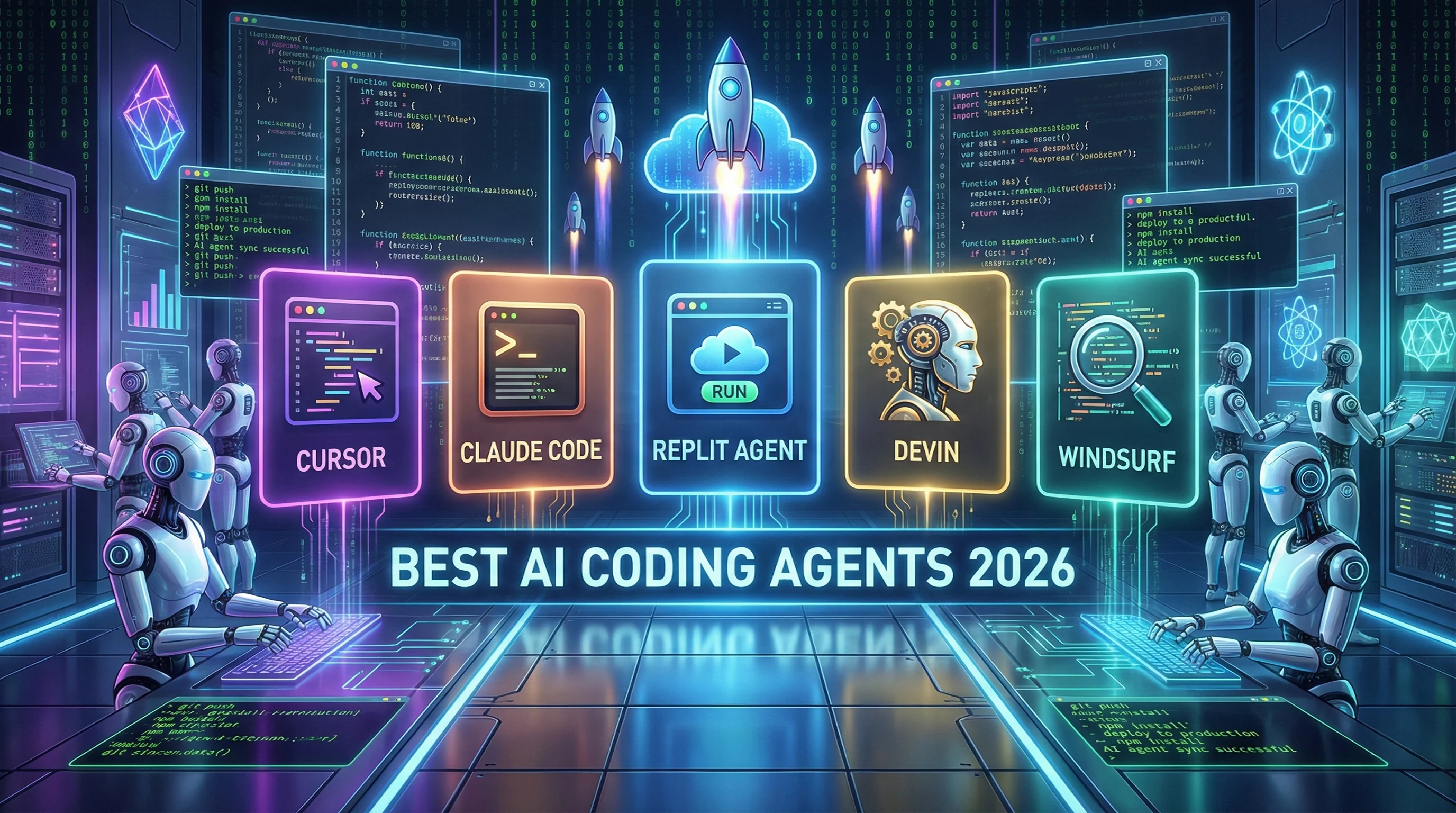
AI TL;DR
AI agents have evolved from code assistants to autonomous developers. Here are the top AI coding agents that can plan, execute, and deploy software with minimal human oversight.
We're witnessing a fundamental shift in software development. AI has evolved from suggesting code snippets to fully autonomous agents that can plan features, write code across multiple files, debug issues, and even deploy applications—all with minimal human input.
In this guide, we'll explore the best AI agents of 2026 and help you understand which tool is right for your development workflow.
What Are AI Agents?
AI agents represent the next evolution of coding assistants. Unlike traditional AI that responds to single prompts, agents can:
- Plan: Break down tasks into steps and decide what to do
- Execute: Write code, run commands, and make changes autonomously
- Iterate: Test their work, identify issues, and fix them
- Persist: Work on long-running tasks without constant supervision
Think of them as junior developers who never sleep and can work on many things in parallel.
The Top AI Coding Agents of 2026
1. Cursor (Agent Mode)
Best For: Everyday development with AI assistance
Cursor has become the default AI code editor for many developers. Built from the ground up with AI at its core, it offers two main modes:
Key Features:
- Composer Mode: Chat-based multi-file editing
- Agent Mode: Autonomous planning and execution
- Deep Codebase Awareness: Understands your entire project
- Multi-Model Support: GPT-5, Claude 4.5, Gemini 2.5 Pro
- Terminal Integration: Executes commands without leaving the editor
What Agent Mode Does:
- Figures out which files to create or modify
- Makes architectural decisions on its own
- Executes terminal commands (npm install, git, etc.)
- Handles refactors across dozens of files
Pricing: $20/month (Pro) | $40/month (Business)
Pros:
- Seamless integration into the coding workflow
- Excellent for medium-sized projects
- Fast and responsive
Cons:
- Can slow down on very large codebases
- Agent mode requires trust in AI decisions
- Some users find pricing adds up quickly
2. Claude Code
Best For: Complex projects and deep understanding
Claude Code is Anthropic's terminal-based coding agent, widely praised for its exceptional reasoning capabilities and ability to understand massive codebases.
Key Features:
- 100,000+ Lines Context: Handles huge codebases with ease
- Repository Understanding: Automatically loads project context
- Sub-Agent Delegation: Spawns specialized agents for parallel tasks
- Low Hallucination Rate: More accurate than competitors
- Custom Skills: Add your own automation scripts
- IDE Extension: Works in VS Code, JetBrains, and terminal
What Makes It Special: Claude Code excels at:
- Debugging intricate problems
- Understanding legacy code
- Multi-step reasoning tasks
- Self-correcting when it makes mistakes
Pricing: Included with Claude Pro ($20/month) | Enterprise pricing available
Pros:
- Best-in-class reasoning and accuracy
- Excellent for complex, long-running tasks
- Handles massive codebases well
Cons:
- Terminal interface isn't for everyone
- Can be verbose in explanations
- Requires Claude subscription
3. Replit Agent 3
Best For: Rapid prototyping and full-stack apps
Replit Agent 3 transformed Replit from a simple browser IDE into a full-stack AI development platform. Describe what you want in plain English, and watch it build the entire application.
Key Features:
- Natural Language to App: Describe features, get working code
- Full-Stack Automation: Frontend, backend, database, tests
- Cloud Deployment: Deploy directly to Replit hosting
- Self-Testing: Uses a virtual browser to find and fix bugs
- Multi-Model Support: Claude, GPT-4, Gemini built-in
- Instant Hosting: Share working apps immediately
Example Workflow: "Build me a task management app with user authentication, a PostgreSQL database, and a React frontend."
Replit Agent 3 will:
- Plan the architecture
- Create all necessary files
- Set up the database
- Build the frontend
- Add authentication
- Deploy to a live URL
Pricing: Free tier available | Core ($20/month) | Teams ($40/user/month)
Pros:
- Fastest way to go from idea to deployed app
- No local setup required
- Great for learning and prototyping
Cons:
- Less control than local development
- Hosting tied to Replit's infrastructure
- Not ideal for very complex enterprise apps
4. Devin (Cognition AI)
Best For: Fully autonomous software development
Devin is billed as the "first AI software engineer"—and it lives up to the hype. Unlike other tools, Devin doesn't assist developers; it works as an independent developer on your team.
Key Features:
- End-to-End Development: Planning → Coding → Testing → Deployment
- Pull Request Generation: Submits PRs with its own tests
- Autonomous Problem Solving: Works through blockers independently
- Project Management: Tracks tasks and progress
- Self-Learning: Improves from feedback over time
What Devin Can Do:
- Take a Jira ticket and ship a feature
- Debug production issues from error logs
- Write and maintain documentation
- Refactor codebases based on requirements
Pricing: Enterprise only (custom pricing, reportedly $500+/month)
Pros:
- Truly autonomous—minimal hand-holding needed
- Can work on multiple tasks simultaneously
- Integrates with existing dev workflows
Cons:
- Expensive and enterprise-focused
- Overkill for small projects
- Trust issues with fully autonomous code changes
5. Google Antigravity
Best For: Multi-agent orchestration
Google's Antigravity is a fascinating newcomer that focuses on managing multiple AI agents simultaneously.
Key Features:
- Agent Management Interface: Orchestrate multiple agents
- Cross-Tool Autonomy: Works across editor, terminal, and browser
- Google Integration: Deep ties to Google Cloud and Gemini
- Standard Editor Experience: Familiar interface for developers
What Sets It Apart: Instead of one AI agent, Antigravity lets you spin up multiple agents for different tasks. One agent handles frontend, another handles backend, and they coordinate through the interface.
Pricing: Currently in preview (pricing TBD)
Pros:
- Multi-agent approach is powerful
- Google Cloud integration
- Familiar editor experience
Cons:
- Still in preview/early access
- Requires Google ecosystem buy-in
- Less proven than competitors
6. Windsurf
Best For: Unfamiliar codebases
Windsurf (recently acquired by OpenAI) specializes in agentic workflows for exploring and modifying unfamiliar codebases.
Key Features:
- Multi-File Planning: Plans features across many files
- Codebase Exploration: Understands unfamiliar projects quickly
- Agentic Execution: Autonomous decision-making
- OpenAI Integration: Backed by GPT-5 models
Best Use Cases:
- Onboarding to a new codebase
- Working on open-source projects you didn't write
- Large-scale refactoring
Pricing: Free tier | $15/month (Pro)
Pros:
- Excellent for codebase exploration
- OpenAI acquisition means strong future
- Affordable pricing
Cons:
- Less autonomous than Devin or Replit Agent
- Features still catching up to Cursor
7. Cline & OpenCode (Open Source)
Best For: Model flexibility and self-hosting
For developers who want open-source alternatives, Cline and OpenCode are powerful options.
Cline:
- Open-source, model-agnostic agent
- Plans, executes commands, edits files
- Browser interaction capabilities
- Works with any LLM provider
OpenCode:
- Similar to Claude Code but open-source
- 75+ model provider integrations
- No vendor lock-in
- Terminal-based interface
Pricing: Free (bring your own API keys)
Pros:
- No subscription needed (just API costs)
- Use any AI model you prefer
- Full control and self-hosting options
Cons:
- Requires setup and configuration
- Less polished than commercial options
- Support is community-based
Comparison Table: Best AI Agents 2026
| Agent | Best For | Autonomy Level | Pricing | Ideal User |
|---|---|---|---|---|
| Cursor | Daily development | Medium | $20/mo | Professional devs |
| Claude Code | Complex projects | High | $20/mo | Senior engineers |
| Replit Agent 3 | Rapid prototyping | High | Free-$40/mo | Startups, learners |
| Devin | Full automation | Very High | $500+/mo | Enterprise teams |
| Antigravity | Multi-agent work | High | TBD | Google Cloud users |
| Windsurf | Unfamiliar codebases | Medium | $15/mo | Contractors, OSS devs |
| Cline/OpenCode | Custom setups | Medium | Free | OSS enthusiasts |
How to Choose the Right AI Agent
Choose Cursor if:
- You want AI deeply integrated into your code editor
- You work on medium-sized projects
- You want to stay in control but get AI assistance
Choose Claude Code if:
- You work on complex, large-scale projects
- You value accuracy and deep reasoning
- You're comfortable with terminal-based workflows
Choose Replit Agent 3 if:
- You want to go from idea to deployed app fastest
- You're building prototypes or MVPs
- You prefer browser-based development
Choose Devin if:
- You have budget for enterprise pricing
- You want fully autonomous development
- You have tasks suitable for independent AI work
Choose Windsurf if:
- You frequently work on unfamiliar codebases
- You want OpenAI's backing
- Budget is a consideration
Choose Cline/OpenCode if:
- You want open-source and model flexibility
- You're comfortable with setup and configuration
- You want to avoid vendor lock-in
The Future of AI Agents
We're at an inflection point. By mid-2026, expect:
- More Autonomy: Agents will handle larger, more complex tasks
- Specialized Agents: Frontend agents, backend agents, security agents
- Better Collaboration: Agents working together on different parts of projects
- Lower Prices: Competition will drive costs down
Human developers aren't going anywhere—but AI agents are becoming essential tools in every developer's toolkit.
Frequently Asked Questions
Are AI agents replacing developers?
No. AI agents are best seen as force multipliers. They handle routine work, but human judgment remains essential for architecture, security, and edge cases.
Which AI agent is most accurate?
Claude Code is generally considered the most accurate for complex reasoning tasks, with lower hallucination rates than competitors.
Can I use multiple AI agents?
Yes! Many developers use Cursor for daily work and Claude Code for complex debugging or refactoring.
Are AI agents safe to use on production code?
With proper review, yes. Always review AI-generated code before deploying to production. Most agents support human-in-the-loop workflows.
Which is best for beginners?
Replit Agent 3 is the most beginner-friendly, with natural language input and instant deployment.
Last updated: January 19, 2026