AI TL;DR
Google's AI Mode can now tap into your Gmail and Photos to provide highly personalized responses. Here's how it works and what it means for privacy. This article explores key trends in AI, offering actionable insights and prompts to enhance your workflow. Read on to master these new tools.
Google's AI Mode: Gmail and Photos Now Power Personal AI Responses
Google just made its AI significantly more personal.
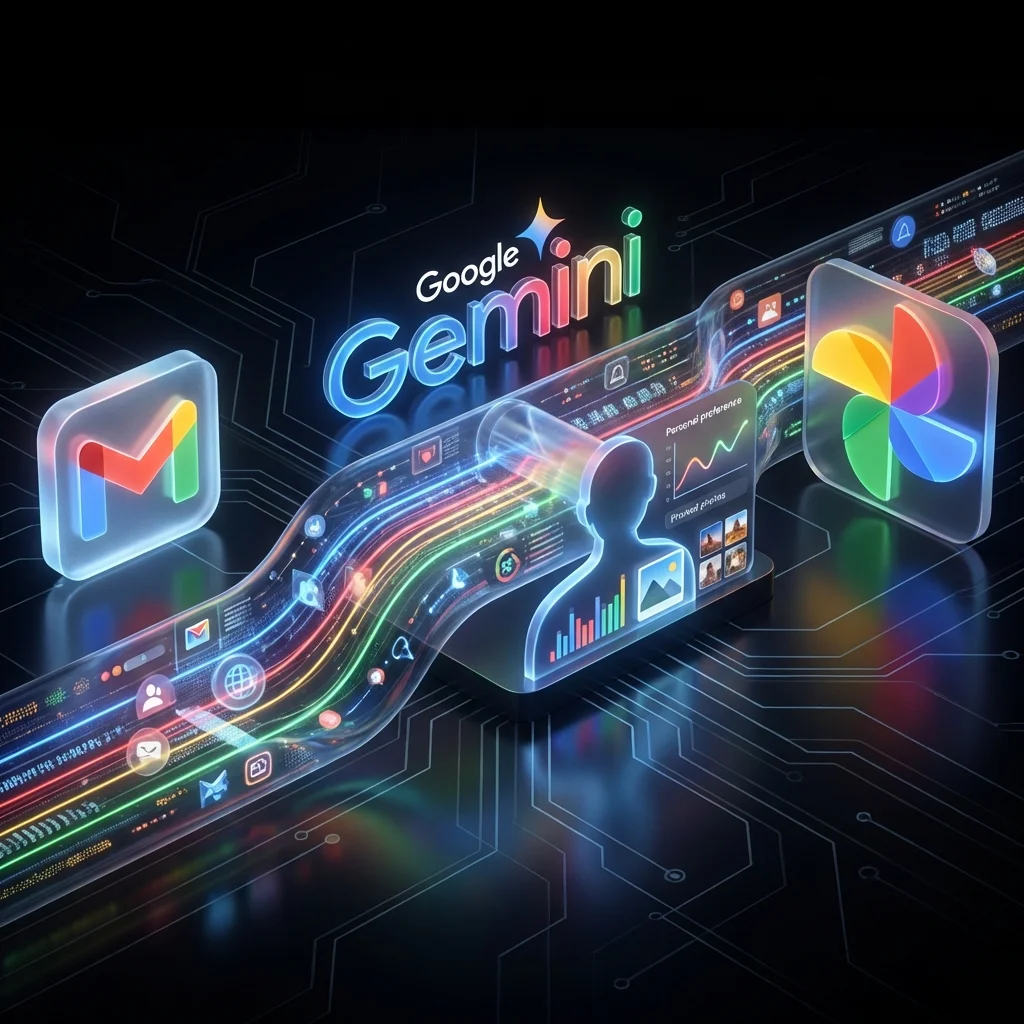
AI Mode, Google's conversational AI interface, can now tap into your Gmail and Google Photos to provide tailored responses based on your actual life.
It's powerful. It's useful. And it raises some questions.
What's New
According to TechCrunch, Google's AI Mode now integrates with:
| Service | What AI Can Access |
|---|---|
| Gmail | Emails, conversations, receipts, confirmations |
| Google Photos | Images, albums, memories, faces, locations |
This means you can ask questions like:
- "When is my flight to Tokyo?"
- "Show me photos from Sarah's birthday party"
- "What was the restaurant I booked last month?"
- "Summarize the email thread about the Q4 budget"
And get answers based on your actual data.
How It Works
Contextual Understanding
AI Mode doesn't just search your email—it understands context:
- Recognizes people you communicate with
- Understands relationships (work vs. personal)
- Connects events across time
- Links photos to emails to calendar events
Real-Time Access
The AI accesses data when you ask, meaning:
- Always up to date
- No pre-processing required
- Handles new information immediately
The Privacy Conversation
What Google Says
Google maintains user data isn't used for advertising or shared with third parties through these AI features.
What Users Wonder
- Is my email content being analyzed?
- Are my photos being processed by AI models?
- Where does this data go?
- Can this be turned off?
Current Reality
- AI Mode access is opt-in
- You can control which services are connected
- Google's privacy policy applies
- Data is used to provide the service, not (officially) for ads
Why This Matters
For Productivity
This is genuinely useful for:
- Finding information buried in email
- Quickly locating specific photos
- Getting context before meetings
- Organizing life without manual search
For AI Competition
Google has an advantage no other AI company has: your actual email and photo history going back years.
- OpenAI doesn't have your email
- Anthropic doesn't have your photos
- Apple has some data, but less comprehensive
- Google has the full picture
This integration makes Gemini uniquely powerful for personal use cases.
Comparison With Other AI Assistants
| Feature | Google AI Mode | ChatGPT | Claude | Siri |
|---|---|---|---|---|
| Email access | ✅ Gmail | ❌ | ❌ | ❌ |
| Photo access | ✅ Google Photos | ❌ | Limited | Apple Photos |
| Calendar | ✅ Google Calendar | ❌ | ❌ | ✅ Apple Calendar |
| Search | ✅ Full web | ✅ Browsing | ✅ Browsing | ✅ Spotlight |
| Personalization depth | Very high | Medium | Low | Medium |
How to Use It
Enable Integration
- Open Google AI Mode (via Gemini app or google.com)
- Go to Settings > Connected Services
- Enable Gmail and/or Photos access
- Grant necessary permissions
Best Prompts
- "What did [person] email me about last week?"
- "Find photos from [event/location]"
- "Summarize my conversations with [company]"
- "What receipts do I have from [store]?"
Tips
- Be specific about people and timeframes
- Reference events and locations
- Ask follow-up questions to narrow down
The Bigger Picture
This is part of Google's strategy to make Gemini the AI you can't live without because it knows your life.
The more data you give Google access to, the more useful AI Mode becomes. It's a flywheel:
- More access → Better answers → More usage → More trust → More access
Whether that's great or concerning depends on your perspective on Google and privacy.
Our Take
For Google users who are already all-in on the ecosystem, this is fantastic. AI that understands your email, photos, calendar, and documents is genuinely more useful than generic AI.
For privacy-conscious users, this is another layer of integration to think carefully about.
Decide based on your comfort level—but don't ignore how powerful this combination can be.
Are you using Google AI Mode with your personal data? How's your experience?