AI TL;DR
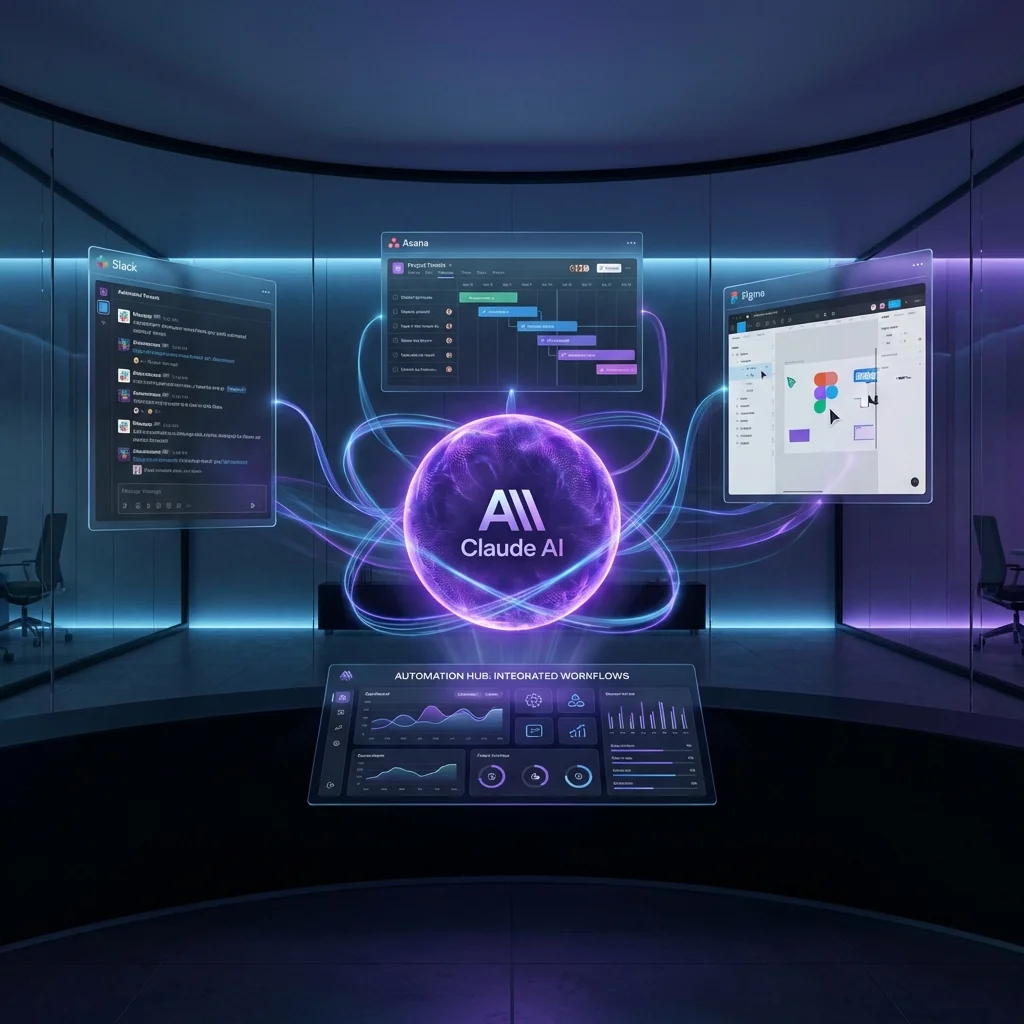
Anthropic's Claude can now run interactive Slack, Asana, and Figma apps directly within conversations. Built on MCP, this transforms AI from advisor to actor. Here's what it means for enterprise software.
Claude's Interactive Apps: How Anthropic Is Disrupting SaaS from Inside the Chat
On January 26, 2026, Anthropic rolled out a feature that changes how we think about AI assistants: Interactive Apps within Claude. Instead of telling you how to update a Slack channel or what to change in Figma, Claude now does it directly—without you leaving the conversation.
What Are Claude Interactive Apps?
Interactive Apps allow Claude to embed live, functional interfaces from external tools directly within the chat:
| Capability | Before | After Interactive Apps |
|---|---|---|
| Slack message | Claude drafts, you copy-paste | Claude sends directly |
| Asana task update | Instructions provided | Task updated in-conversation |
| Figma edit | Suggestions given | Mockup modified live |
| Canva design | Description offered | Design created in iframe |
┌────────────────────────────────────────────────────────────────────┐
│                 CLAUDE INTERACTIVE APPS ARCHITECTURE               │
├────────────────────────────────────────────────────────────────────┤
│                                                                    │
│   ┌─────────────────────────────────────────────────────────────┐ │
│   │                     CLAUDE CONVERSATION                     │ │
│   │                                                              │ │
│   │  User: "Send a message to #engineering about the deploy"   │ │
│   │                                                              │ │
│   │  Claude: "I'll send that now."                              │ │
│   │                                                              │ │
│   │  ┌──────────────────────────────────────────────────────┐  │ │
│   │  │           INTERACTIVE SLACK APP                       │  │ │
│   │  │   ┌──────────────────────────────────────────────┐   │  │ │
│   │  │   │ #engineering                                  │   │  │ │
│   │  │   │                                               │   │  │ │
│   │  │   │ Claude: Deploy completed successfully.       │   │  │ │
│   │  │   │ All 47 tests passing. 🚀                     │   │  │ │
│   │  │   │                                               │   │  │ │
│   │  │   │ [Edit] [Send] [Cancel]                       │   │  │ │
│   │  │   └──────────────────────────────────────────────┘   │  │ │
│   │  └──────────────────────────────────────────────────────┘  │ │
│   │                                                              │ │
│   └─────────────────────────────────────────────────────────────┘ │
│                                                                    │
│                           ▲                                        │
│                           │ MCP Protocol                           │
│                           ▼                                        │
│   ┌────────────┐   ┌────────────┐   ┌────────────┐   ┌──────────┐│
│   │   Slack    │   │   Asana    │   │   Figma    │   │  Canva   ││
│   │   API      │   │   API      │   │   API      │   │  API     ││
│   └────────────┘   └────────────┘   └────────────┘   └──────────┘│
│                                                                    │
└────────────────────────────────────────────────────────────────────┘
The Technology: Model Context Protocol (MCP)
Interactive Apps are built on MCP (Model Context Protocol), an open standard Anthropic introduced to connect AI with external tools:
How MCP Works
- Tool Registration: Apps register capabilities with Claude
- Permission Request: Claude asks user before accessing tools
- Sandboxed Iframe: App UI renders in isolated container
- Action Execution: User confirms, Claude executes
{
  "mcp_app": {
    "name": "slack-connector",
    "capabilities": [
      "read_messages",
      "send_messages",
      "join_channels"
    ],
    "ui_components": [
      "message_composer",
      "channel_selector"
    ]
  }
}
Security Model
| Protection | Implementation |
|---|---|
| Sandboxing | Isolated iframe with content security policy |
| Permissions | Explicit user consent per app |
| Audit Trail | All actions logged |
| Revocation | Users can disconnect apps anytime |
Available Integrations
As of January 2026, Interactive Apps support:
Productivity
- Slack: Read, write, react to messages
- Asana: Create, update, complete tasks
- Notion: Edit pages, update databases
- Linear: Manage issues and sprints
Design
- Figma: View and annotate designs
- Canva: Generate and modify graphics
- Miro: Collaborate on whiteboards
Development
- GitHub: Review PRs, comment on issues
- Jira: Update tickets, log time
- Vercel: Trigger deployments
Communication
- Gmail: Draft and send emails
- Google Calendar: Create and modify events
- Zoom: Schedule meetings
Use Case: End-to-End Task Automation
Instead of switching between apps, a single Claude conversation can:
User: "I finished the landing page redesign. Update Linear,
       share in #design, and schedule a review with Sarah."

Claude: [Linear Interactive App]
        - Moved task "Landing Page Redesign" to "Done"
        - Added completion note

        [Slack Interactive App]
        - Posted to #design: "Landing page redesign complete!
          Preview: [link]. Feedback welcome."

        [Google Calendar Interactive App]
        - Created: "Landing Page Review"
        - Invited: Sarah
        - Time: Tomorrow 2pm (first available slot)

User: "Perfect, send it all."

Claude: ✅ All actions completed.
Three apps. One conversation. No context switching.
How to Set Up
Requirements
- Claude Pro, Max, Team, or Enterprise subscription
- Admin approval (for workplace tools)
- OAuth authentication per app
Setup Process
- Open Claude Settings → Connections
- Add Connection → Select app (e.g., Slack)
- Authenticate → OAuth flow
- Configure Permissions → Select allowed actions
For Organizations (Team/Enterprise)
# Admin configuration example
claude_mcp_config:
  slack:
    enabled: true
    allowed_channels: ["general", "engineering", "design"]
    require_confirmation: true

  asana:
    enabled: true
    allowed_projects: ["product", "engineering"]
    allow_task_creation: true
    allow_task_deletion: false
Implications for SaaS
This feature has significant implications for the software industry:
The "AI-First" Threat
Traditional SaaS model:
User → App UI → Actions
Claude Interactive Apps model:
User → Claude → AI executes across multiple apps
If users can accomplish tasks through Claude without opening the app, what happens to:
- User engagement metrics?
- Premium UI features?
- Upsell opportunities?
Which SaaS Categories Are Most Vulnerable?
| Category | Risk Level | Reason |
|---|---|---|
| Project Management | 🔴 High | Task updates easily automated |
| Email/Calendar | 🔴 High | Scheduling is conversational |
| Basic Design | 🟡 Medium | Simple graphics can be AI-generated |
| CRM | 🟡 Medium | Data entry easily delegated |
| Complex Dev Tools | 🟢 Low | Deep functionality still requires direct use |
The Platform Play
Companies that integrate deeply with Claude may gain advantage:
"If your product is accessible through Claude Interactive Apps while competitors aren't, you become the default choice for AI-native workflows." — Enterprise software analyst
Claude Code Integration
Beyond general productivity, Claude's coding agent Claude Code integrates with Slack:
[Slack DM to Claude Code]

User: "There's a bug in the login flow—users get
       logged out after 30 minutes"

Claude Code: I'll investigate.

[Reviews codebase via GitHub connection]

Claude Code: Found the issue. Your session expiry
is set to 1800 seconds but the refresh logic has
a race condition.

Here's my fix:
[Code diff shown in interactive component]

Should I create a PR?

User: "Yes"

Claude Code: PR #247 created: "Fix session refresh race condition"
Bug report to PR—without leaving Slack.
Privacy and Control Considerations
What Anthropic Says
"Interactive Apps run in sandboxed environments. We don't store the content of your connected apps. Users maintain full control over permissions."
Valid Concerns
- Data Access: Claude can see content from connected apps
- Action Risks: Automated actions could have unintended consequences
- Audit Complexity: Tracking AI-initiated actions across systems
- Dependency: Increasing reliance on AI-mediated workflows
Best Practices
- Start Limited: Enable few apps initially
- Require Confirmation: For destructive or high-impact actions
- Regular Audits: Review what Claude has accessed/done
- Escape Hatches: Maintain ability to work without Claude
The Competitive Landscape
| Feature | Claude | ChatGPT (GPT-5) | Gemini |
|---|---|---|---|
| Interactive Apps | ✅ Full | 🔄 Plugins (limited) | 🔄 Extensions |
| MCP Support | ✅ Native | ❌ Proprietary | ❌ G oogle APIs |
| Enterprise Ready | ✅ Yes | ✅ Yes | 🔄 Partial |
| Open Standard | ✅ MCP | ❌ Closed | ❌ Closed |
OpenAI is expected to adopt MCP support, which would level the playing field.
Conclusion
Claude's Interactive Apps represent a paradigm shift from AI as advisor to AI as actor. By enabling Claude to directly manipulate workplace tools from within conversations, Anthropic is positioning the AI assistant as a universal interface for enterprise software.
For users, this means less context-switching and more efficient workflows. For SaaS companies, it's a wake-up call to consider their AI integration strategy. For the industry, it signals that the interface layer—not just the AI model—is where the next battle will be fought.
Related Reading
Are you using Claude's Interactive Apps? Share your workflows in the comments.