AI TL;DR
Want to build AI apps without coding? Here's an honest comparison of the top no-code platforms, their features, pricing, and which suits your needs. This article explores key trends in AI, offering actionable insights and prompts to enhance your workflow. Read on to master these new tools.
Best No-Code AI App Builders Compared (2026)
Want to build AI-powered apps without writing code? The "text-to-app" revolution is here.
In 2026, you can describe an app in plain English and watch AI generate it — complete with UI, logic, and deployment. But which platform should you choose?
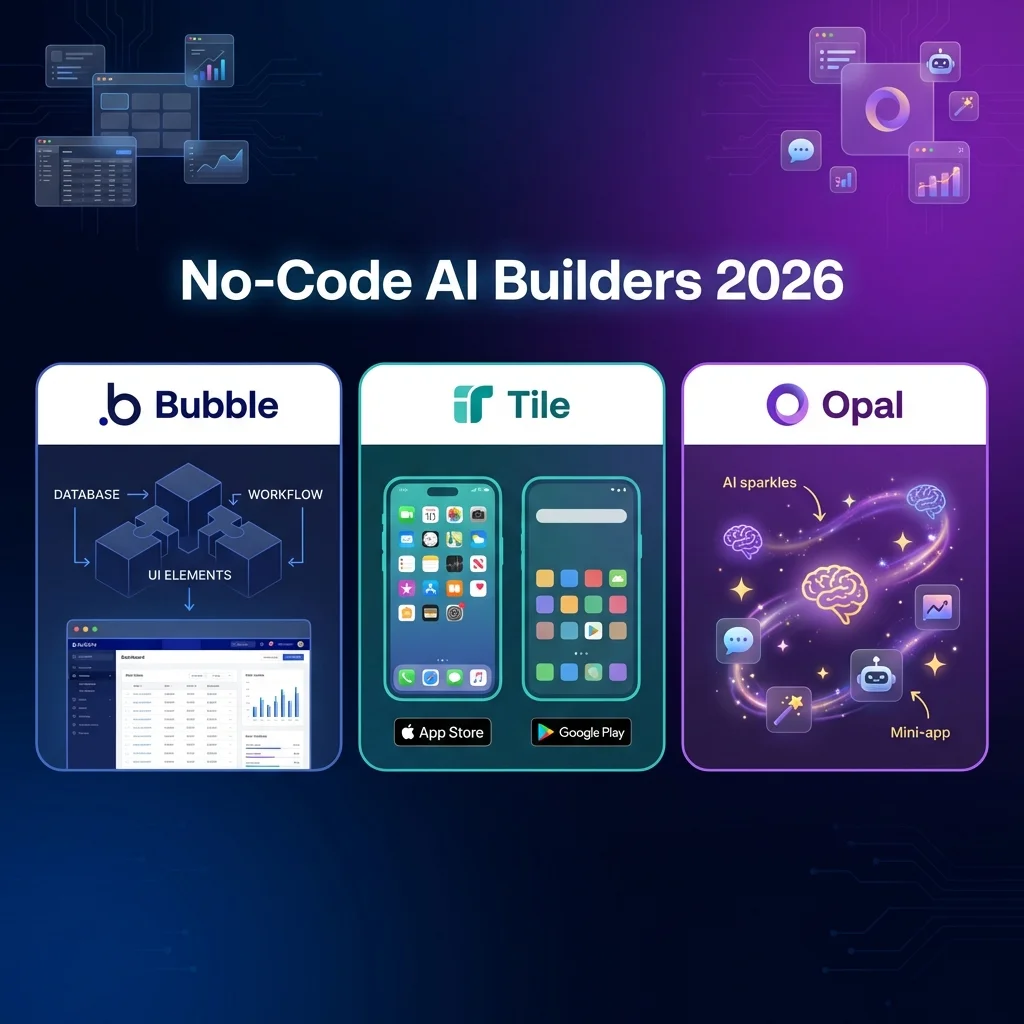
After building with Bubble, Tile, and Google Opal, here's your complete guide.
Quick Comparison
| Platform | Best For | Pricing | Code Export | Learning Curve |
|---|---|---|---|---|
| Bubble | Web apps, SaaS | $32/mo+ | ❌ No | Steeper |
| Tile | Mobile apps (iOS/Android) | $29/mo+ | ✅ React Native | Easy |
| Google Opal | Mini-apps, prototypes | TBD (Beta) | ⚠️ Limited | Easiest |
Bubble: The Web App Powerhouse
What It Is
Bubble is the most mature no-code platform for building complex web applications and SaaS products. It's been around since 2012 and powers thousands of startups.
Think of it as a visual programming environment — you design interfaces, create workflows, and connect databases without writing code.
Key Strengths (2026)
1. Complexity Handling
- Multi-user systems with permissions
- Complex workflows and automation
- Dynamic pages with real-time updates
- Database relationships and queries
2. AI Integration
- Connect OpenAI, Claude, ChatGPT via APIs
- Plugin marketplace for AI tools
- Native AI features for smart suggestions
- Workflow automation powered by AI
3. Extensive Ecosystem
- 700+ plugins and integrations
- Active community forum (100k+ users)
- Thousands of templates
- Comprehensive documentation
The Workload Unit System
Bubble pricing is based on Workload Units (WUs) — computation power your app consumes.
| Action | WU Cost |
|---|---|
| Page load | 0.1-0.5 WU |
| Database search | 0.2-1.0 WU |
| API call | 0.3-2.0 WU |
| Complex workflow | 1-5 WU |
Pro Tip: Optimize workflows to reduce WU consumption and lower costs.
Bubble Pricing (2026)
| Plan | Price | Workload Units | Best For |
|---|---|---|---|
| Free | $0 | 50,000 WU/mo | Learning, prototypes |
| Starter | $32/mo | 175,000 WU | MVPs, simple apps |
| Growth | $134/mo | 250,000 WU | Scaling apps |
| Team | $399/mo | 500,000 WU | Teams, high-traffic |
| Enterprise | Custom | Custom WU | Large-scale apps |
Overage: $0.30 per 1,000 WU beyond plan limit
Who Should Use Bubble
- ✅ SaaS founders building web platforms
- ✅ Startups needing complex web apps
- ✅ Agencies building for clients
- ✅ Teams with time to learn
- ❌ Mobile app developers (not Bubble's focus)
- ❌ Quick prototypes (learning curve too steep)
Important Caveat: No Code Export
Bubble does not allow code export. You're locked into their platform. This can be risky if:
- The platform shuts down
- Pricing changes drastically
- You outgrow their capabilities
Tile: The Mobile App AI Builder
What It Is
Tile is an AI-powered mobile app builder that generates native iOS and Android apps from text prompts. Launched in 2025, it's the newest platform but already powerful.
Revolutionary Feature: Full Code Export
Unlike Bubble, Tile gives you the complete React Native source code. You own your app and can:
- Hire developers to customize further
- Switch to another platform
- Deploy independently
How It Works
1. Describe App → "A fitness tracker with meal logging"
2. AI Generates → Complete iOS/Android app
3. Customize → Visual editor or export code
4. Deploy → App Store + Google Play from dashboard
Key Features (2026)
1. AI Generation
- Text-to-app in minutes
- Visual prompts (upload sketches)
- Advanced coding model for complex logic
2. Native Mobile Focus
- True iOS/Android apps (not webviews)
- Push notifications built-in
- Analytics dashboard included
3. Developer-Friendly
- Clean React Native code
- Install dependencies locally
- Full customization possible
Tile Pricing (2026)
| Plan | Price | Credits | Key Features |
|---|---|---|---|
| Free | $0 | 500-1000/mo | Unlimited projects, visual editing |
| Pro | $29/mo | Higher limits | 1 live app, App/Play Store publishing |
| Enterprise | Custom | Unlimited | Custom AI agents, premium support |
Note: Publishing to app stores requires Pro plan minimum
Who Should Use Tile
- ✅ Mobile app founders building iOS/Android apps
- ✅ Developers who want AI acceleration + code access
- ✅ Startups needing fast mobile MVPs
- ✅ Anyone worried about vendor lock-in
- ❌ Web app developers (Tile is mobile-only)
- ❌ Non-technical users needing complex workflows
Google Opal: The Instant Mini-App Builder
What It Is
Google Opal (experimental) builds AI-powered "mini-apps" or "Gems" from simple text descriptions. It's the easiest but also most limited platform.
How It's Different
Opal doesn't build standalone apps — it creates lightweight tools that run in the browser or Google Cloud.
Think: internal tools, quick demos, personal productivity apps.
Under the Hood
Opal orchestrates multiple Google AI models:
| Model | Purpose |
|---|---|
| Gemini | Reasoning, logic |
| Imagen 4 | Image generation |
| AudioLM | Audio processing |
| Veo | Video generation |
| Anti-Gravity | Automation |
Key Features (2026 Beta)
1. Zero Learning Curve
- Describe functionality in plain English
- AI handles everything (UI, logic, deployment)
- Cloud deployment included
2. Visual Workflow Editor
- Chain AI model calls
- Multi-step logic without code
- Real-time preview and debugging
3. Instant Prototyping
- Concept to working app in minutes
- Share privately or publish publicly
- Perfect for demos and PoCs
Opal Pricing (2026)
- Beta Access: Free (limited)
- Full Release: TBD (launched mid-2026)
- Expected: Freemium model similar to Google Workspace AI
Who Should Use Opal
- ✅ Non-technical users needing simple tools
- ✅ Rapid prototyping for validation
- ✅ Internal tools for teams
- ✅ Personal productivity mini-apps
- ❌ Production apps (too limited)
- ❌ Complex SaaS (use Bubble instead)
- ❌ Mobile apps (use Tile instead)
Head-to-Head Comparison
Web Apps
| Feature | Bubble | Tile | Opal |
|---|---|---|---|
| Web App Support | ✅ Excellent | ❌ Mobile-only | ⚠️ Limited (browser mini-apps) |
| Database | ✅ Built-in | ⚠️ Limited | ⚠️ External only |
| User Auth | ✅ Full system | ⚠️ Basic | ⚠️ External |
Winner: Bubble
Mobile Apps
| Feature | Bubble | Tile | Opal |
|---|---|---|---|
| iOS/Android | ❌ No native support | ✅ True native apps | ❌ No |
| App Store Publish | ❌ No | ✅ Built-in | ❌ No |
| Push Notifications | ⚠️ Via plugins | ✅ Native | ❌ No |
Winner: Tile
Ease of Use
| Platform | Learning Curve | Setup Time | AI Assistance |
|---|---|---|---|
| Bubble | Steeper (visual programming) | Hours-days | Limited |
| Tile | MediumEasy (AI-first) | Minutes-hours | ✅ Core feature |
| Opal | Easiest (just text) | Seconds-minutes | ✅✅ Full AI generation |
Winner: Opal (but least powerful)
Pricing at Scale
Monthly cost for a mid-sized app (10,000 users):
| Platform | Estimated Cost | Notes |
|---|---|---|
| Bubble | $134-399/mo | Based on WU consumption |
| Tile | $29/mo + dev time | Export code, deploy yourself |
| Opal | TBD | Likely usage-based credits |
Winner: Tile (code export = long-term savings)
Real-World Scenarios
Scenario 1: SaaS Startup (Project Management Tool)
Requirements: Web app, team collaboration, complex workflows
Best Choice: Bubble
- Handles complex logic
- Multi-user permissions
- Database relationships
- Plugin ecosystem for integrations
Scenario 2: Fitness Tracking Mobile App
Requirements: iOS + Android, push notifications, app store distribution
Best Choice: Tile
- Native mobile apps
- Built-in notifications and analytics
- Direct App Store publishing
- Code export for future customization
Scenario 3: Internal Data Analysis Tool
Requirements: Quick deployment, simple UI, team use only
Best Choice: Google Opal
- Build in minutes from text prompt
- Share privately with team
- No learning curve
- Free for internal tools
The Hybrid Approach
Many successful teams use multiple platforms:
Opal → Quick prototype to validate idea
  ↓
Bubble → Build web MVP for testing
  ↓
Tile → Create mobile apps for scale
This combines the speed of Opal, power of Bubble, and mobile reach of Tile.
The Verdict
| If You Need... | Choose |
|---|---|
| Complex web SaaS | Bubble |
| Native mobile apps | Tile |
| Quick mini-apps/tools | Google Opal |
| No vendor lock-in | Tile (code export) |
| Largest ecosystem | Bubble (700+ plugins) |
| Easiest to learn | Google Opal |
| Best long-term value | Tile (own your code) |
My Recommendation:
- Starting out? → Opal for validation
- Building web SaaS? → Bubble
- Mobile-first? → Tile
- Worried about lock-in? → Tile or custom code
FAQ
Can I switch platforms later?
Bubble → Others: Difficult (no code export) Tile → Others: Easy (export React Native code) Opal → Others: Rebuild required (mini-apps only)
Which has the best AI features?
Opal has the most AI (built into generation). Tile uses AI for creation. Bubble integrates external AI via plugins.
Do I need coding knowledge?
Bubble: No, but visual programming logic helps Tile: No for basic apps, yes for complex customization Opal: Absolutely not — pure text prompts
Can these handle real businesses?
Bubble: Yes (thousands of SaaS companies use it) Tile: Yes (for mobile apps) Opal: Not yet (experimental, limited features)
Related Tools
- n8n – Workflow automation
- Windsurf – AI code editor
- Firebase Studio – Full stack development
Last updated: January 2026